 Save & Close
Digital Lab
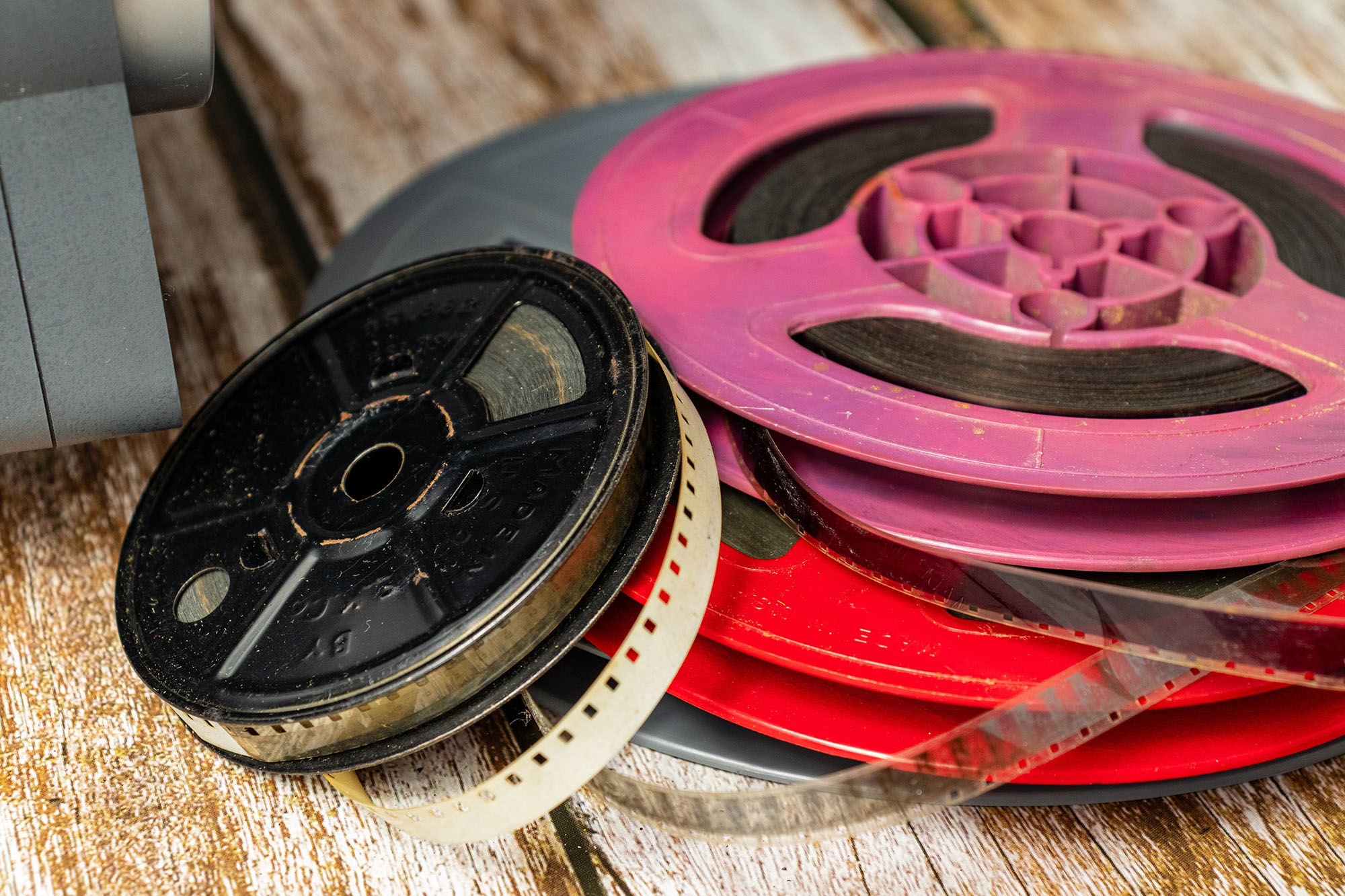
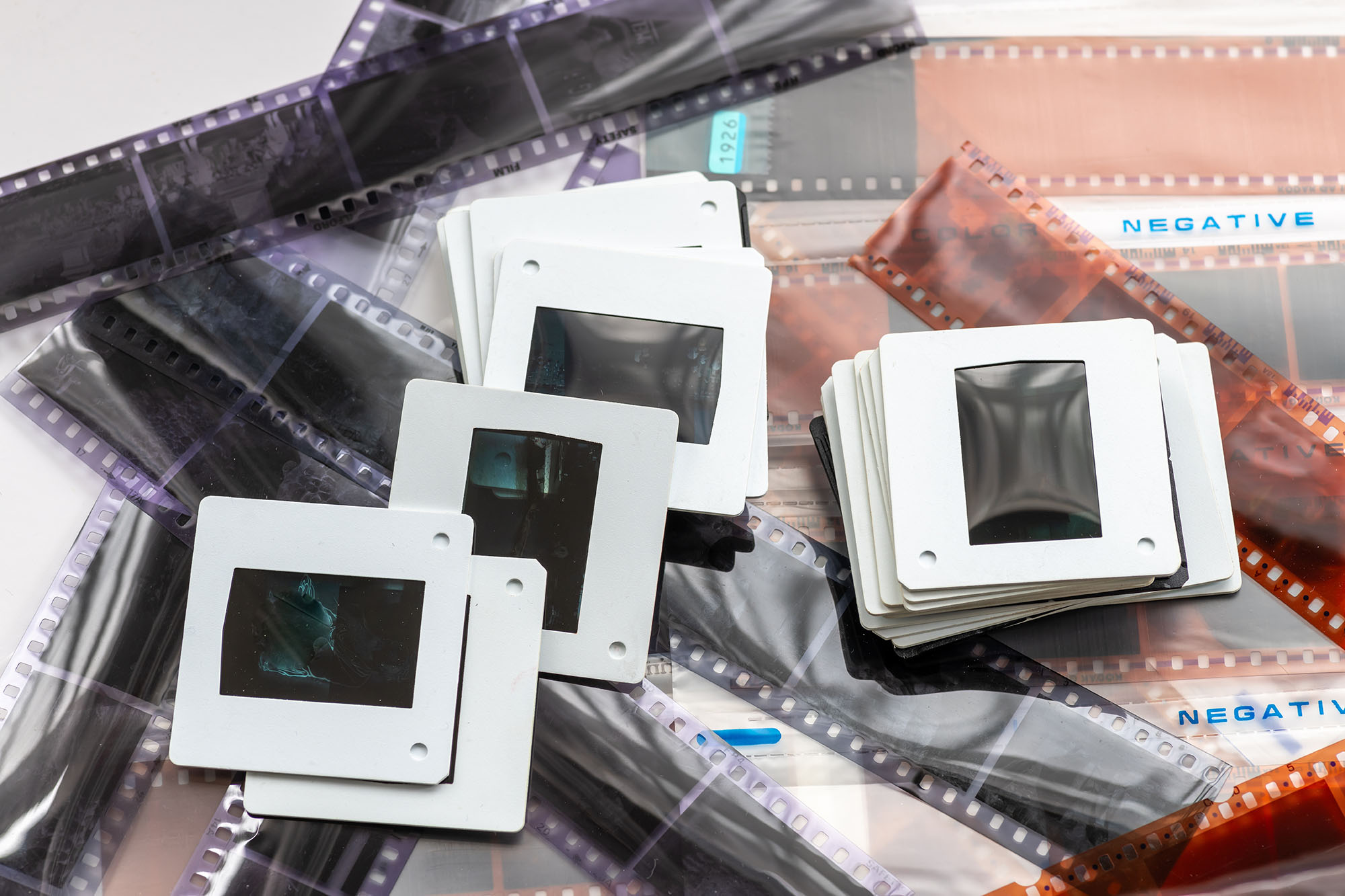
The Digital Lab at the Montgomery branch is a multifunctional space designed to help the community learn, create, collaborate, and explore with technology. The lab provides equipment for digitizing home movies, scanning photographs and slides and much more. It is available as a self-guided model, meaning we provide step-by-step instructions, but you control the process from start to finish.
How do I get started?
Lab reservations can be made using a valid SCLSNJ card on our online room reservation system. Staff can direct you to our video tutorials and quick start guides for digital conversion, and can help you find books or online tutorials for whatever you are interested in learning.
Access to online courses to help with digitization are available to Library cardholders. Udemy is an online learning database that help anyone learn business, software, technology and creative skills to achieve personal and professional goals.
Reserve Lab Equipment List User Guides Lab Guidelines
NOTE: Our large format scanner is available for use by appointment only. Please book an appointment online.
Frequently Asked Questions
The Lab is open to all SCLSNJ cardholders who have reserved the space using our online reservation system. If you don’t qualify for a free card, please reach out to us to make a reservation. If you have questions before making a reservation, please stop by the branch, call 908-458-8433, or email montgomery@sclibnj.org.
There is no charge to use Lab equipment. Patrons are welcome to save their files on their own cloud storage, external drive, or USB during their Lab reservations. The library does not provide storage drives, neither for sale or to borrow, to save digital files.
We encourage patrons using the space to review our Lab Guides and Video Tutorials prior to their reservations to familiarize themselves with the guides, and to understand the time commitment required for converting their items to digital files. The Lab is a self-directed workspace, but if you need help troubleshooting, stop by a service desk for more assistance. Library staff are unavailable to remain in the Lab for the duration of your reservation.
The large format scanner, available by appointment only is a Zeutschel Omniscan OS C2 Advanced, which can scan up to A2 size (16.53 x 23.39 inches). Users must bring their own external storage device (flash drive or external memory) for using the large format scanner (10 GB storage suggested).
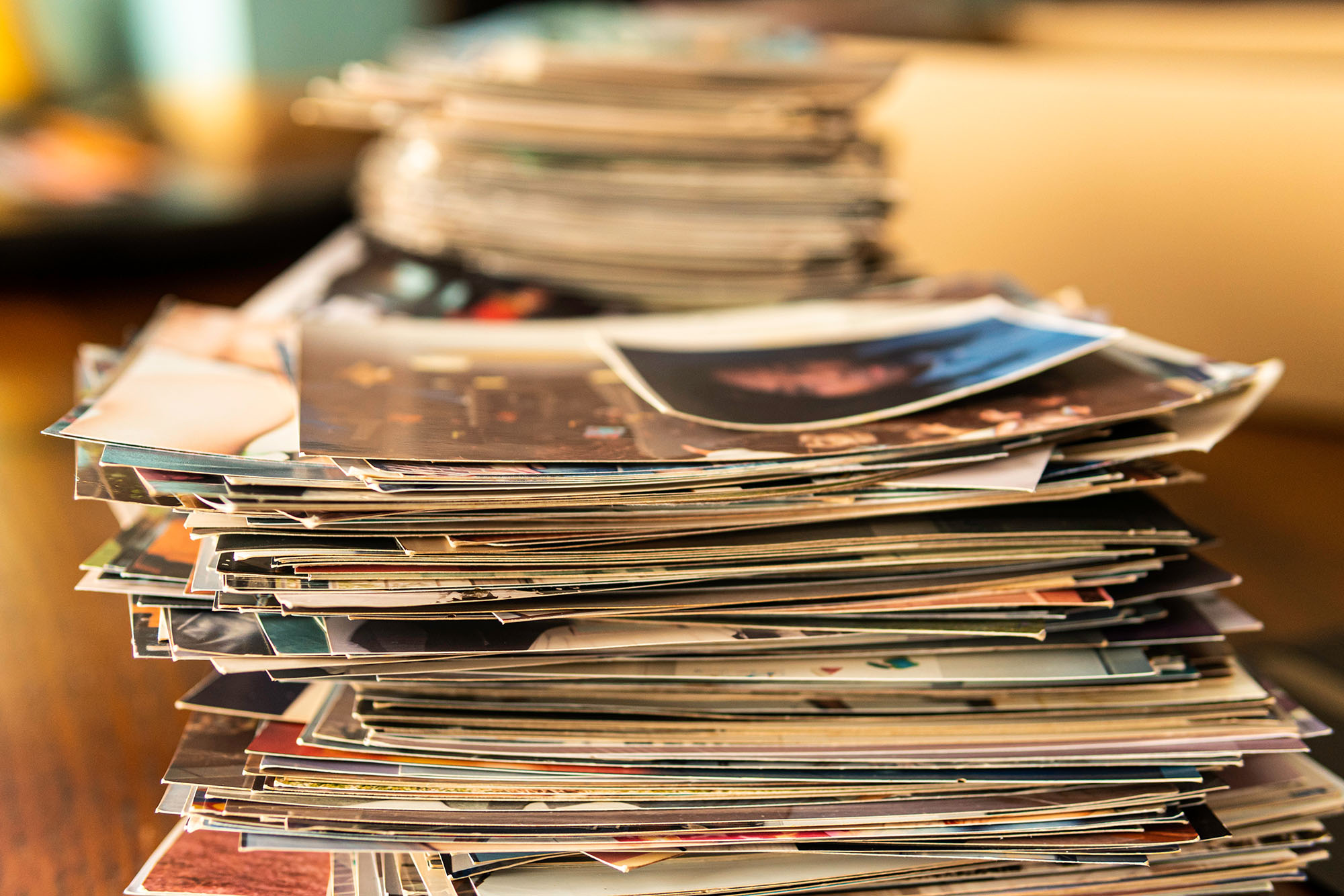
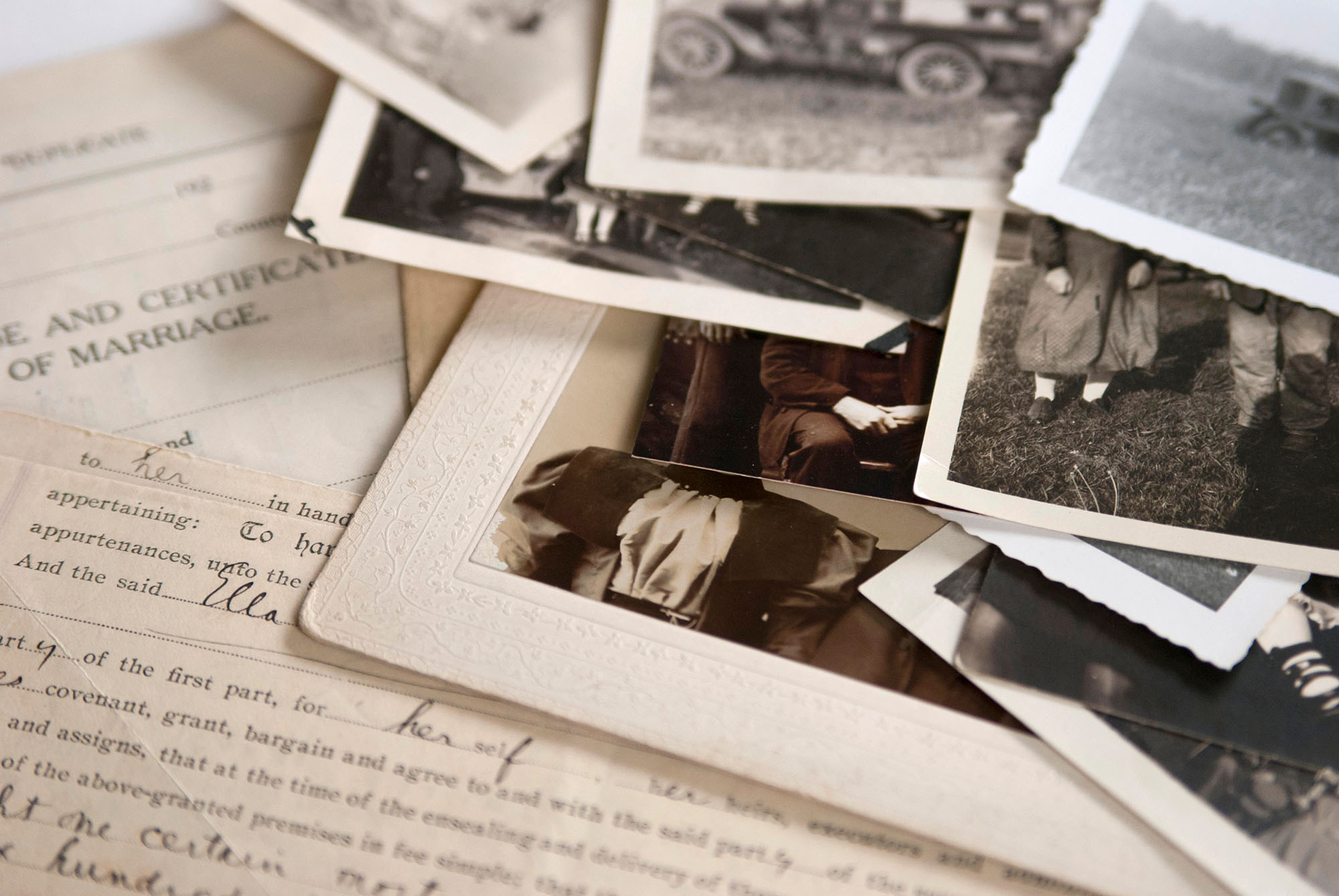
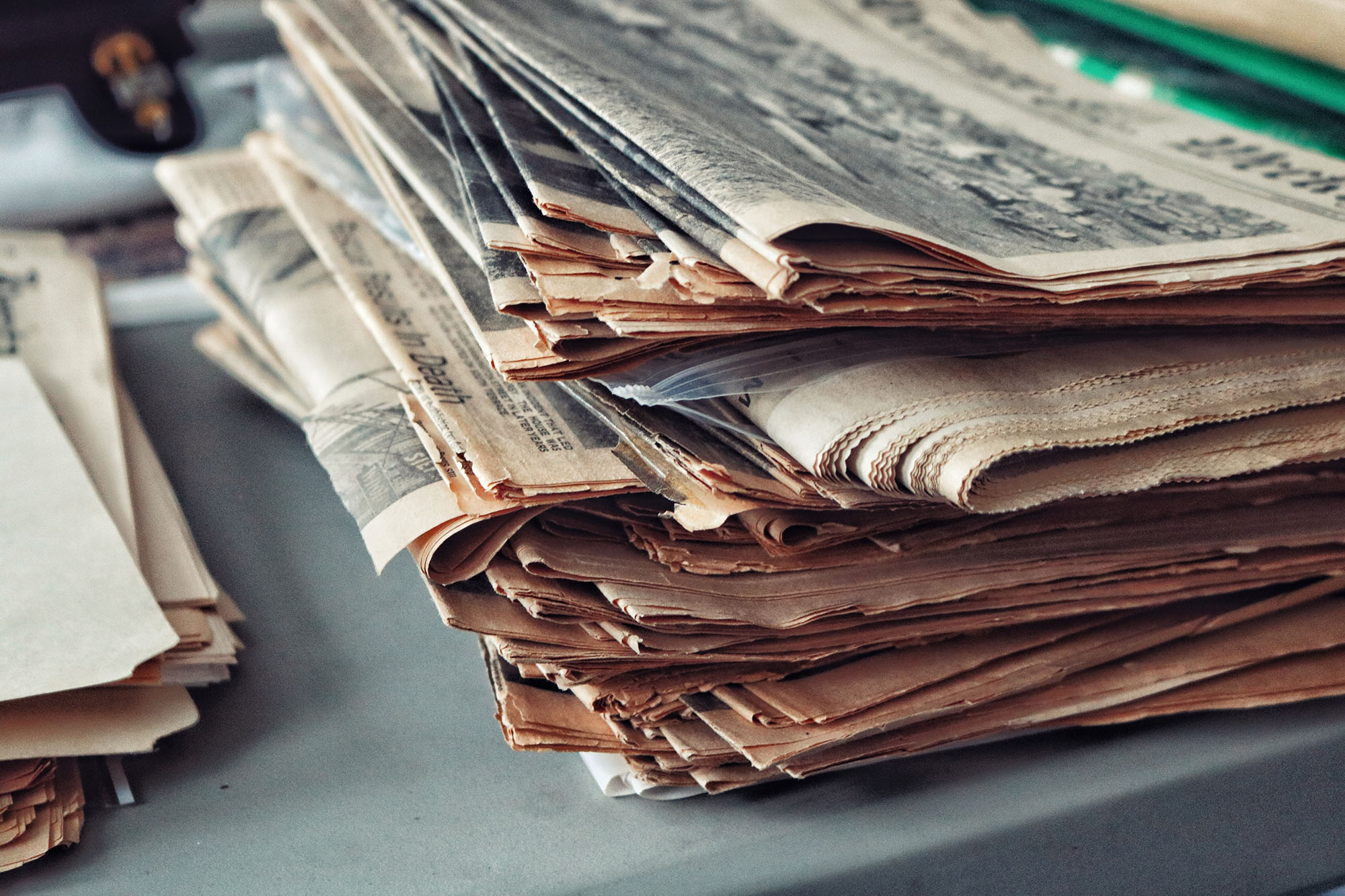
The large format scanner is ideal for digitizing the following types of items:
Photos larger than 8.5×11.7″
- Scrapbooks
- Newspapers
- Blueprints
- Maps
For other items please reach out to Montgomery staff at 908-458-8433 or montgomery@sclibnj.org.
Yes, please check out our calendar of events to view the upcoming Montgomery Lab Classes. At the Lab 101 class, you will be able to tour the space, view some of the equipment, learn how to make reservations and ask questions.
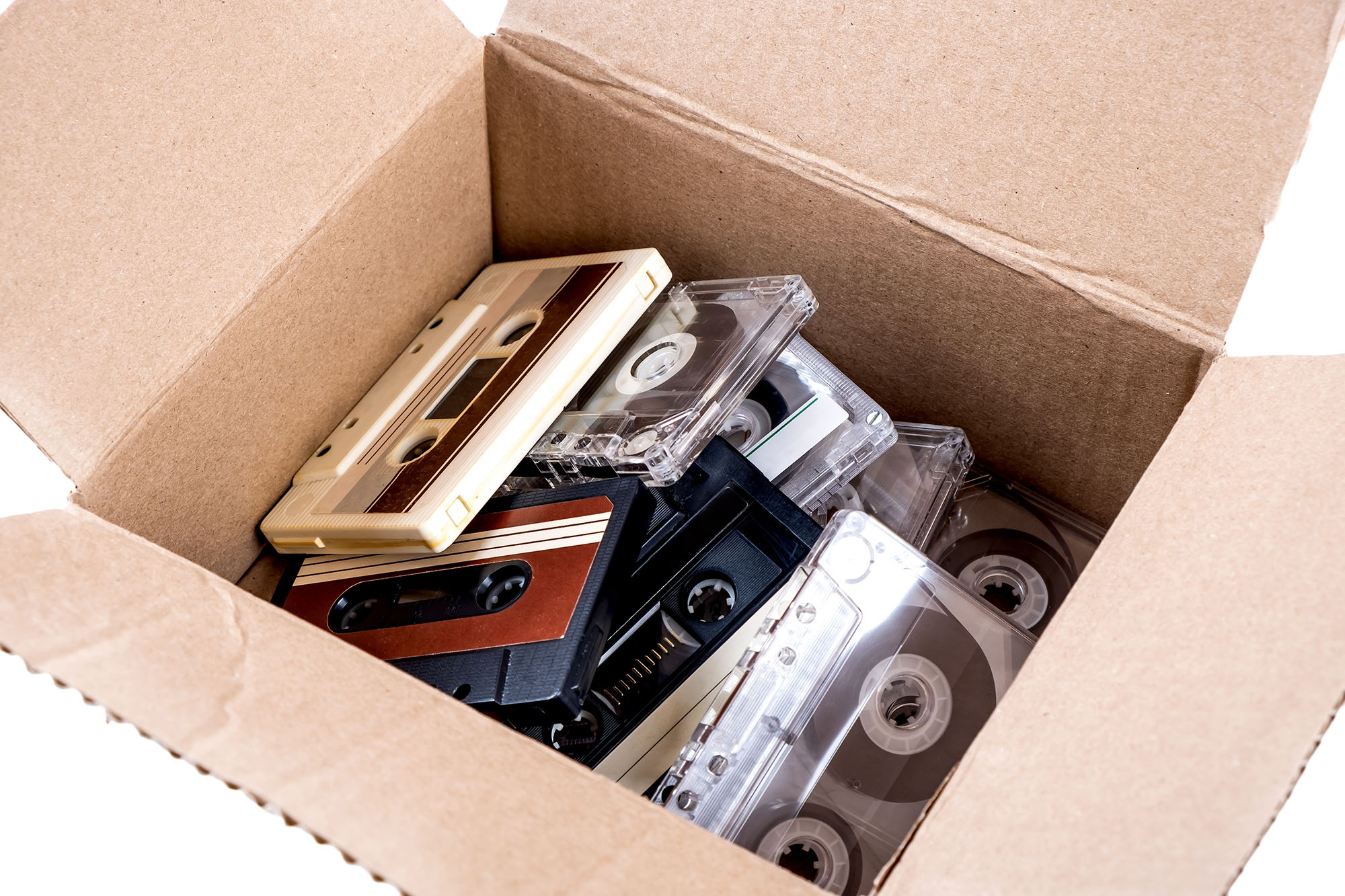
We suggest you bring your source material (personal VHS or audio cassettes, print photos, scrapbook pages, photo negatives, etc.) as well as a device to store the digital file(s) to (USB drive, external drive, etc).
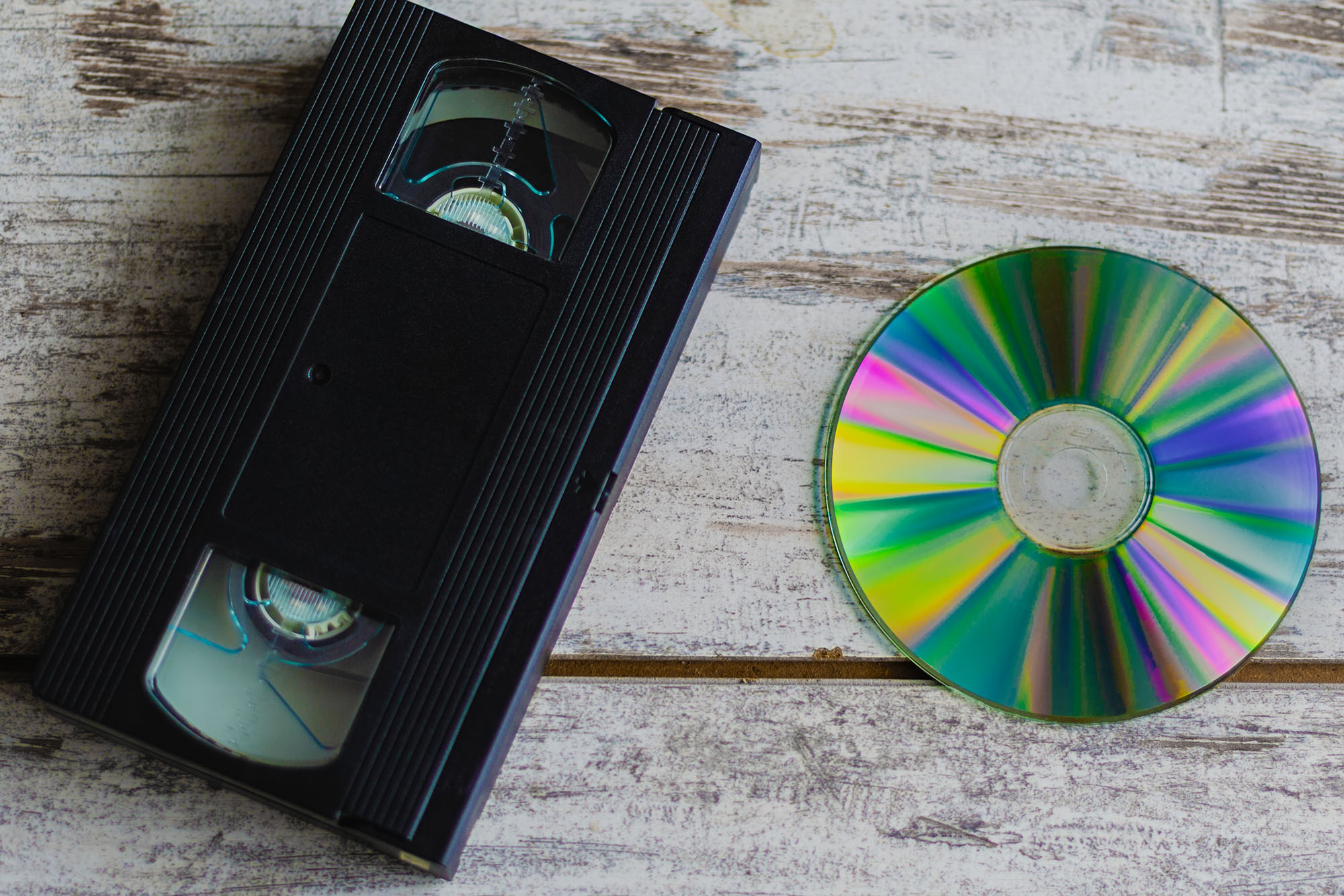
The Lab can be reserved for a maximum of 5 hours per reservation. Audio and video formats transfer in real time, so if you know the length of your DVD, VHS or audio cassette, that would be helpful to give you an idea of your needed reservation length.
Below are some standard format lengths:
- Typical VHS tape (T-120): 120 minutes/SP mode, 4 hours/LP mode, 6 hours/EP mode
- Single Layer DVD: 120-133 minutes
- Double Layer DVD: 240 minutes
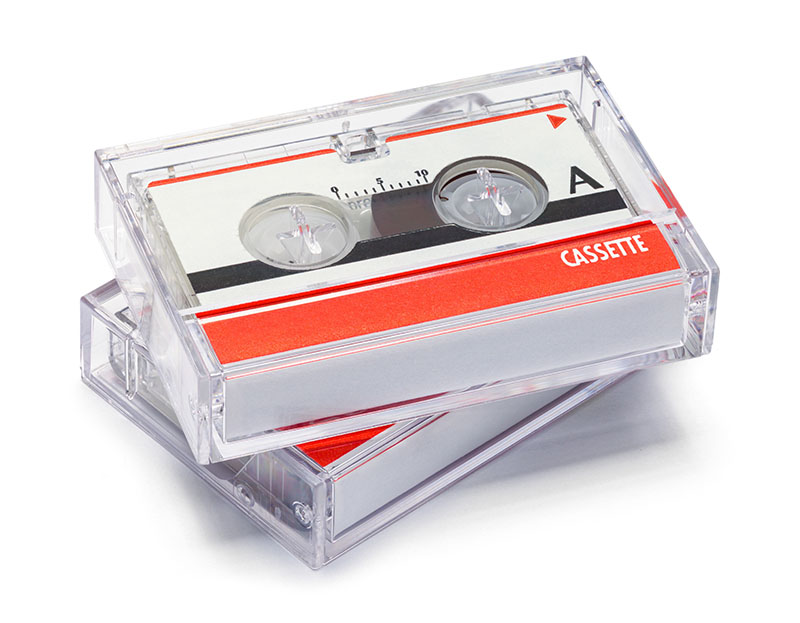
- Audio Cassette: Ranges from 30 mins/side to 60 mins/side
- 8mm film: Refer to the film length conversion time chart in the lab guide
The Montgomery branch has a recording studio just for this purpose! It is located outside of the Lab and in addition to being well insulated, also has a green screen. Recording studio reservations can be made using a valid SCLSNJ card on our online room reservation system.
The Digital Lab also offers access to software to edit audio, video, and photo files and has the following: Audacity, OBS Studio, VLC Media Player, and Adobe Creative Cloud including Photoshop, Premiere Pro, Illustrator, InDesign, and Dreamweaver. The Digital Lab also has an external SD card reader, CD/DVD drive, and 3-1/2" floppy drive.
Digital Lab Equipment
Lab hours
The Lab opens 30 minutes after the Library opens each day, and closes 1 hour prior to the Library’s closing. The Lab is unavailable on Sundays.
| Monday | 10:30 a.m. – 7 p.m. |
| Tuesday | 10:30 a.m. – 7 p.m. |
| Wednesday | 10:30 a.m. – 7 p.m. |
| Thursday | 10:30 a.m. – 7 p.m. |
| Friday | 10:30 a.m. – 5 p.m. |
| Saturday | 10:30 a.m. – 5 p.m. |
| Sunday | CLOSED |
Contact Info
Phone: (908) 458-8433
Email: montgomery@sclibnj.org
Address: 100 Community Drive, Skillman, NJ 08858